n n n n Wi-Fi Installation London - Batra.ai

Expert Wi-Fi Installation across London

Designed to eliminate dead zones and built for smooth, reliable streaming - professional wireless network design and installation. Enterprise-grade access points for homes and businesses - covering Greater London and the M25 corridor.
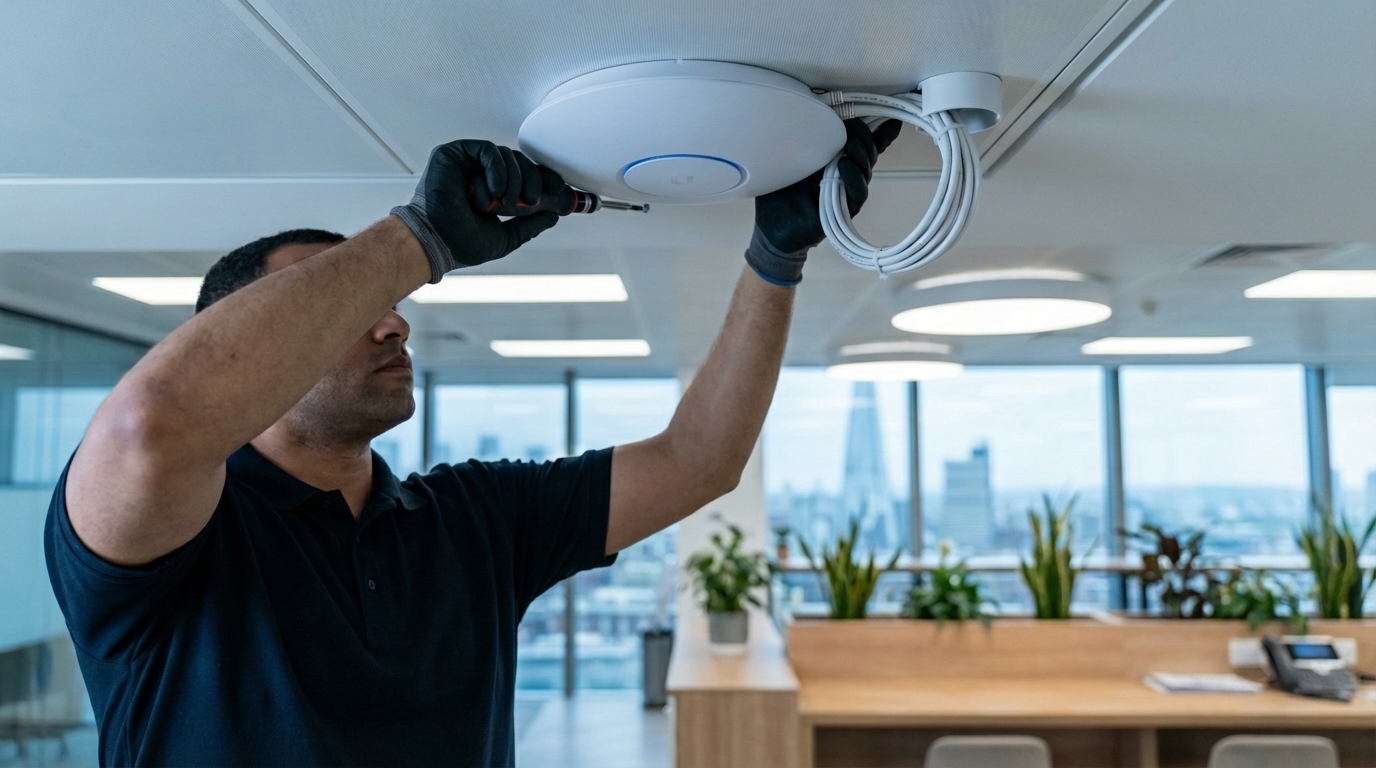
Batra.ai network engineer installing a Ubiquiti E7 Wi-Fi access point on a ceiling in a London office

Professional Wi-Fi Solutions for Every Environment

Whether you live in a Victorian terrace with thick party walls or run a busy small office/business or shop, poor Wi-Fi is not something you should tolerate. At Batra.ai, we design and install wireless networks built for fast, reliable coverage throughout your property - designed to eliminate dead zones and built for smooth, reliable streaming.

Our Wi-Fi installation service in London covers the full spectrum of wireless networking needs. We work with the leading enterprise-grade brands to deliver solutions that consumer-grade routers simply cannot match.

Brands We Install

What Your Installation Can Include

Every job is scoped to your property, so no two installs are the same. Depending on size and layout, yours may include:

Why Choose Batra.ai for Your Wi-Fi Installation

We are not a consumer electronics shop that sells you a box and wishes you luck. Every installation is designed, cabled, and configured by our engineering team - and we stand behind the result.

📡

Optional Wi-Fi Survey

An optional on-site Wi-Fi survey is available (£200 + VAT) - one survey type, for homes and small businesses. It measures signal strength, interference, and building materials to back the design with real RF data. Your free 30-minute consultation is separate.

🏗️

Hardwired Access Points

Each AP is connected via Cat6/Cat6a Ethernet cable for maximum throughput and reliability. We run cables cleanly through walls and ceilings so nothing is visible.

📱

Managed From Your Phone

See connected devices, set limits and get alerts from your phone or laptop. Buy a UniFi controller - or UniFi hardware with the controller built in (our preferred brand for Wi-Fi and networking) - and you manage everything from one central dashboard. Single-AP and other-brand setups are managed per device in the maker's own app.

🔒

Network Segmentation

Separate your IoT devices, guest access, and primary network onto isolated VLANs. This improves both security and performance across the board.

⚡

Wi-Fi 6/6E/7 Ready

All our recommended hardware supports Wi-Fi 6, Wi-Fi 6E and Wi-Fi 7 standards - delivering faster speeds, lower latency, and better performance in congested environments.

🔧

Ongoing Support

We do not disappear after installation. Firmware updates, configuration changes, and troubleshooting are all available whenever you need them - a quick question is a phone call away, and on-site visits are a standard £65 call-out plus time, always quoted first. No monthly contract.

🛡️

12-Month Guarantee

Every installation comes with a 12-month workmanship guarantee. Hardware is covered by the manufacturer’s own warranty, and we’re on hand for ongoing support.

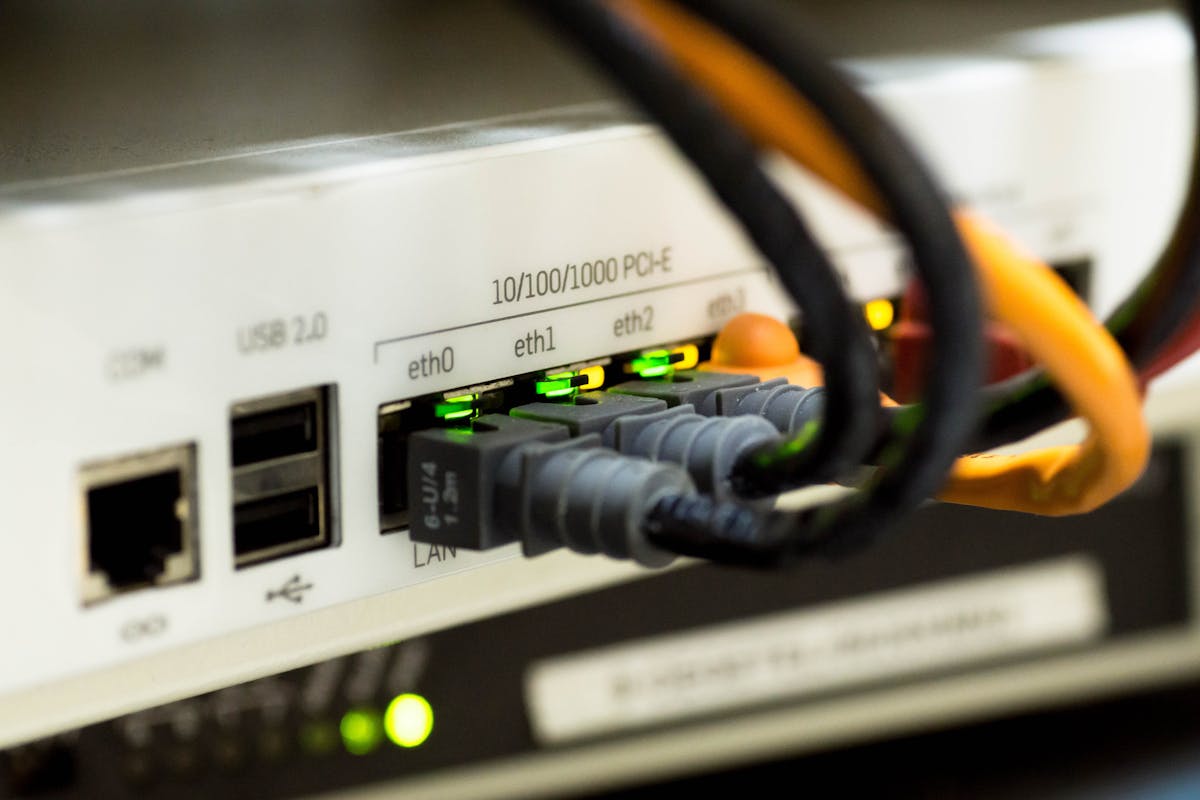
Network router with ethernet cables plugged into switch ports showing active connectivity status lights

Our Wi-Fi Installation Process

From initial consultation to final handover, our four-step process ensures your wireless network is designed right and built to last. This full four-step process is for a complete Wi-Fi design-and-installation service - a single access-point install is a simpler job that won't need every step.

Optional Wi-Fi Survey

An optional on-site Wi-Fi survey (£200 + VAT; one survey type, for homes and small businesses) assesses building layout, construction materials, existing cabling, and RF interference. Many jobs are quoted without one from the free consultation.

System Design

Based on the survey, we produce a detailed network plan showing access point locations, cable routes, switch placement, and expected coverage maps. You approve the design before any work begins.

Installation & Cabling

Our engineers run Cat6/Cat6a cable to each access point location, mount APs on ceilings or walls, install PoE switches, and terminate all connections in a neat patch panel or network cabinet.

Configuration & Handover

We configure SSIDs, VLANs, guest networks, bandwidth controls, and security settings. You receive full documentation and a walkthrough of your management dashboard.

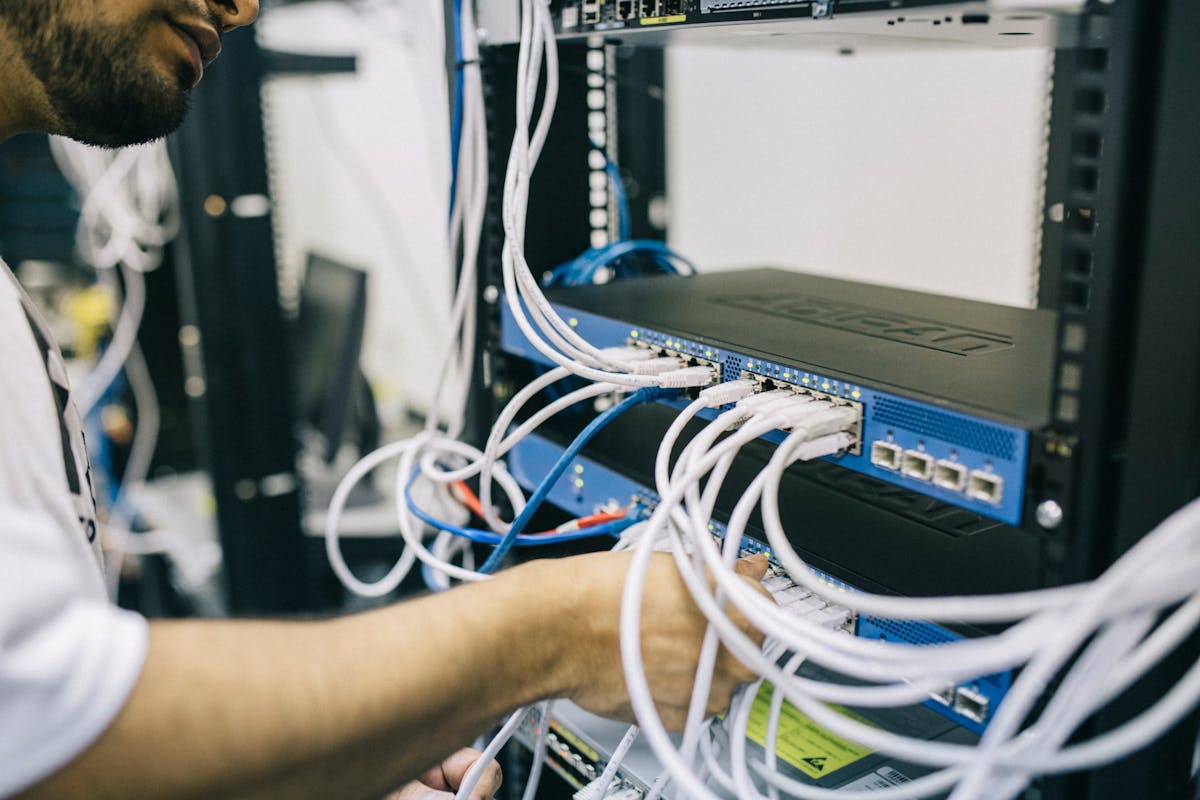
Network engineer plugging ethernet cables into a server rack during a professional Wi-Fi infrastructure installation

Home Wi-Fi vs Business Wi-Fi - What Is the Difference?

The requirements for a home Wi-Fi network and a business Wi-Fi setup are quite different. Understanding these differences is key to choosing the right solution.

Residential Wi-Fi Installation

Home networks typically need to support streaming, video calls, smart home devices, and general browsing across two to four floors. The priority is whole-home coverage with minimal cabling disruption. A typical London home - whether a period conversion in Islington or a new-build in Greenwich - benefits from two to three ceiling-mounted access points connected via Cat6/Cat6a cable.

We recommend Ubiquiti UniFi for most residential installations. The hardware is compact and unobtrusive, the management app is intuitive, and the cost-to-performance ratio is exceptional. A mesh Wi-Fi installation using hardwired UniFi access points will outperform any consumer mesh system (Eero, Google Nest Wi-Fi, Orbi) because each node has a dedicated gigabit backhaul rather than sharing wireless bandwidth.

Small Business & Office Wi-Fi Installation

Offices and small commercial spaces need more than simple coverage. A small or medium-sized business network has to handle a busy office full of devices, support video calls without drop-outs, keep guest and business traffic separate, and work with your existing IT setup.

Ubiquiti UniFi is now our preferred hardware vendor. It's licence-free for small and medium-sized businesses, compact, reliable, and has no ongoing subscription. Where needed we add VLAN separation, a secure guest portal, per-group bandwidth controls, and sign-in against your existing directory or RADIUS. For businesses that want an enterprise, cloud-managed platform, we also install Cisco Meraki or Cisco, with the licence and subscription billed separately.

We install for small offices, shops, cafés and other local business premises across London and the South East. Our focus is homes and small-to-medium businesses, with Ubiquiti UniFi as our go-to. For clients who specifically want it, we scale up to enterprise hardware.

Common Wi-Fi Problems We Solve

If any of these sound familiar, it is time for a professional wireless network installation. These are the issues London homeowners and businesses bring to us most frequently.

Transparent Pricing

Every project is different - property size, existing infrastructure, and your specific requirements all shape the final price. We don't believe in one-size-fits-all quotes. After a short free consultation call, we'll analyse your needs and provide a clear, itemised quote with no hidden costs.

📋

Free Consultation & Quote

Book a free consultation call - we'll discuss your requirements, visit to assess the site if needed (a £65 call-out, waived if we can quote remotely), and send you a detailed, no-obligation quote within 2 working days.

Book Free Consultation →

No upfront fees. No pushy sales calls. Just an honest conversation about what you need.

Frequently Asked Questions

How much does Wi-Fi installation cost?
Pricing depends on the number of access points required, whether the property has existing Cat6/Cat6a cabling in place, and the complexity of the installation. Start with a free, no-obligation quote; if we need to visit to assess the site a £65 call-out applies (waived if we can quote remotely). An optional Wi-Fi survey - £200 (+VAT), one survey type for homes and small businesses - determines exact placement with a full heatmap. Everything is itemised in your fixed-price quote with no hidden charges - book a free consultation to get started.
What Wi-Fi brands do you install?
Ubiquiti UniFi (our recommended choice for most projects), TP-Link Omada, Cisco Meraki, and Ruckus Networks. We match the brand to your requirements, environment, and budget during the design phase. Meraki's central platform charges ongoing licence/subscription fees billed separately; UniFi is licence-free.
How many access points do I need?
A typical 3-bed house needs 1–2 access points. A 4–5 bed or multi-storey property usually requires 2–3 APs. An optional Wi-Fi survey (£200 + VAT; one survey type, for homes and small businesses) can confirm the exact number and placement - every property is different.
Is mesh Wi-Fi better than a range extender?
Yes, significantly. Mesh systems create a single seamless network where your devices roam automatically between access points. Range extenders halve your bandwidth and create separate network names. We always recommend mesh - and specifically hardwired mesh for the best possible performance.
Do you run Ethernet cables to each access point?
Yes. Hardwired access points deliver the best performance because each AP has a dedicated gigabit backhaul. We run Cat6/Cat6a cable through walls and ceilings for a clean, permanent installation with no visible cabling.
Professional working on a laptop in a bright home office environment with fast reliable Wi-Fi connectivity

Learn More From Our Blog

Our blog covers the latest wireless networking advice, product recommendations, and installation guides for London homeowners and businesses.

Ready to Get Started?

Book a free 30-minute consultation or send us a message - no obligation. We cover Greater London and the M25 corridor.
Book Free Consultation → Contact Us
👋 Hi, I'm Alice Ask about our services, coverage, or book a free consultation. Same knowledge as our phone receptionist.