Professional Network Setup Across London
Get the most from your broadband with expert router configuration, network segmentation, and security hardening. For homes and small businesses across Greater London and the M25 corridor.

Get the most from your broadband with expert router configuration, network segmentation, and security hardening. For homes and small businesses across Greater London and the M25 corridor.
A properly configured network is the backbone of every connected home and business. Whether you have just moved into a new property with nothing beyond an ISP router, or you are running a small office that has outgrown its consumer-grade equipment, we design and build networks that deliver speed, security, and reliability from day one.
Our home network setup service in London covers everything from initial broadband optimisation through to full enterprise-grade deployments with managed switches, VLANs, and dedicated firewalls. Every installation is tailored to your property, your devices, and how you actually use the internet.
Your router is the single most important piece of networking equipment you own. ISP-supplied routers are designed to be cheap and generic — they handle basic traffic but lack the processing power, security features, and configuration flexibility that modern connected households demand. We replace or supplement ISP hardware with routers from Ubiquiti, MikroTik, or Cisco Meraki, depending on your requirements and budget. Every router is configured with optimised DNS settings, correct MTU values, and firmware kept up to date.
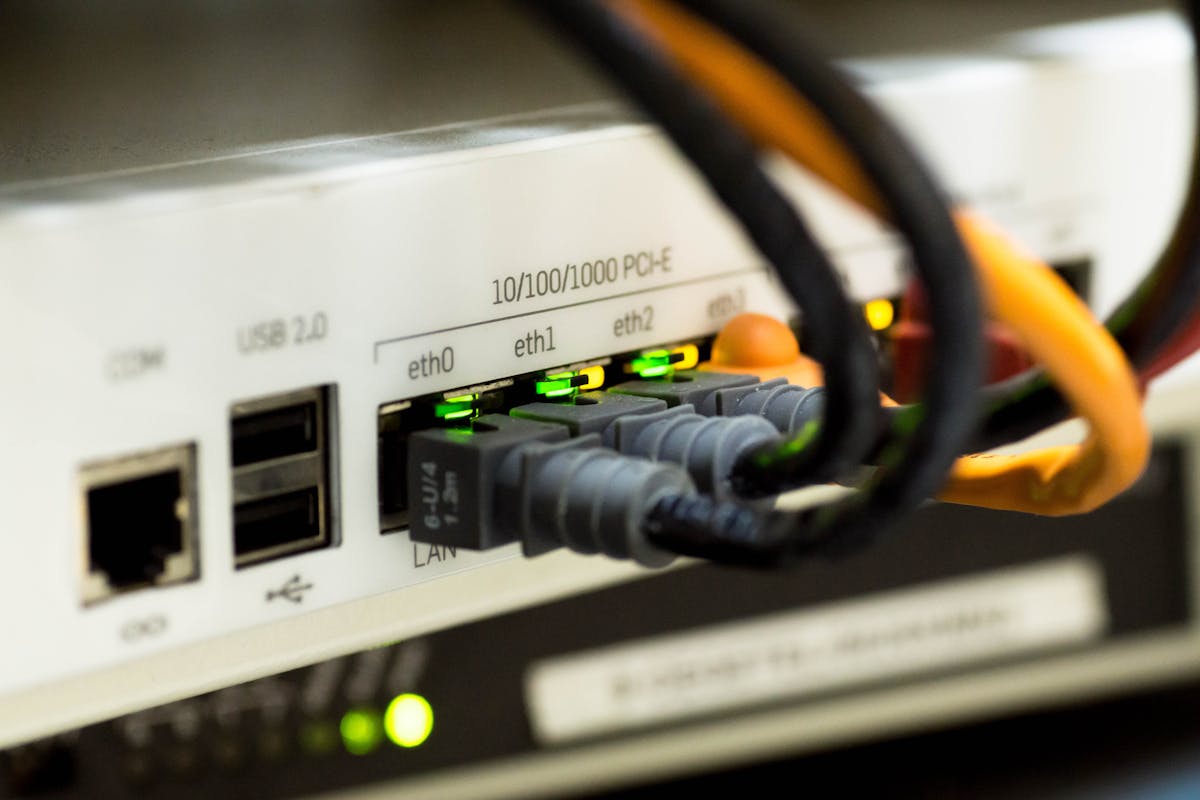
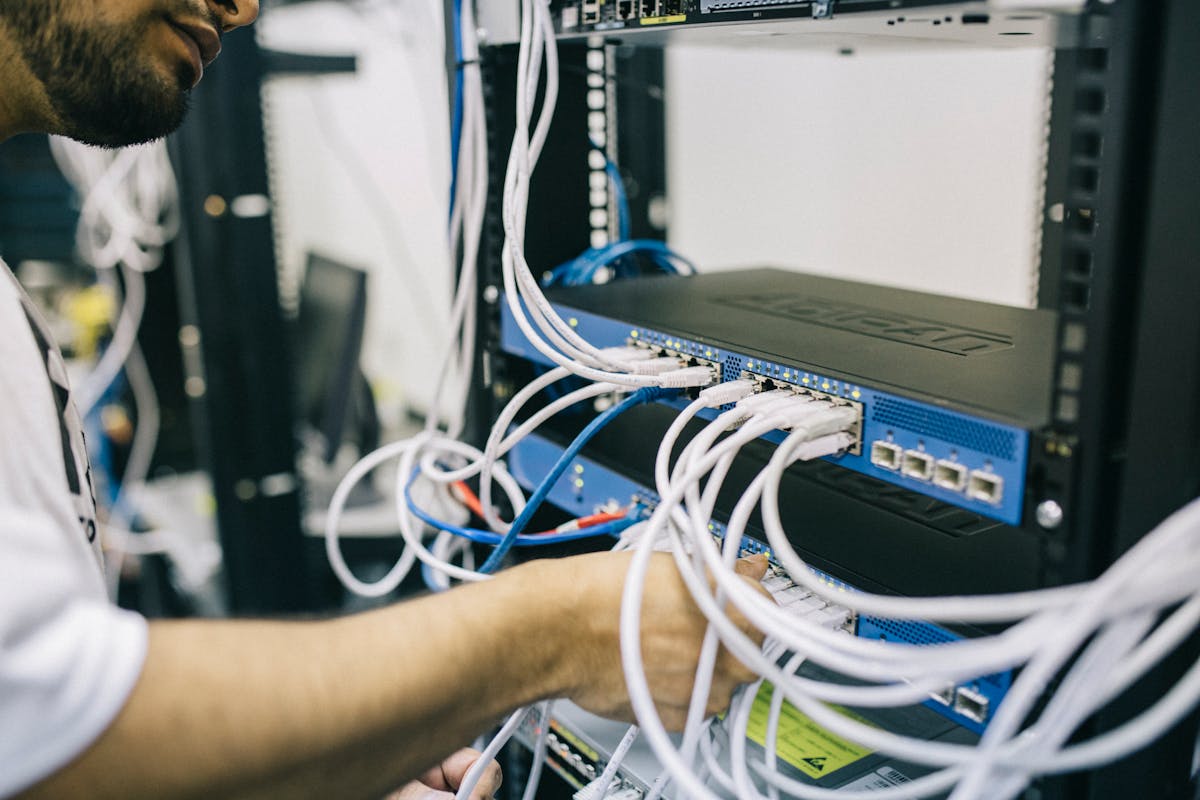
If you have more than a handful of wired devices — desktops, NAS drives, CCTV cameras, access points — a managed switch replaces the daisy-chained consumer switches that create bottlenecks and broadcast storms. We install rack-mountable or desktop-grade managed switches that support VLAN tagging, link aggregation, and port mirroring for diagnostics. Brands we work with include Ubiquiti UniFi, TP-Link Omada, and Cisco Catalyst.
Consumer routers provide basic NAT protection, but nothing more. For homes with smart devices, security cameras, or a home office handling sensitive data, a dedicated firewall adds intrusion detection, geo-blocking, content filtering, and granular traffic rules. We deploy Ubiquiti UniFi Security Gateways, pfSense appliances, and Fortinet FortiGate units depending on the complexity of your requirements. Every firewall is configured with sensible defaults and documented rule sets.
VLANs (Virtual Local Area Networks) separate your network into isolated segments — so your IoT devices, guest WiFi, CCTV cameras, and work equipment each operate on their own broadcast domain. This is no longer an enterprise-only concept. With the proliferation of smart home devices — many of which have questionable security track records — VLAN segmentation is increasingly essential in residential settings. We design VLAN architectures tailored to your household, configure inter-VLAN routing where needed, and set firewall rules that prevent compromised devices from reaching your private data.
We configure network-level DNS using services such as Cloudflare 1.1.1.1, Quad9, or local Pi-hole / AdGuard Home installations. This blocks ads, trackers, and known malicious domains at the network level — every device benefits without installing software on each one. DNS-over-HTTPS (DoH) or DNS-over-TLS (DoT) is configured where the hardware supports it, keeping your queries encrypted and private.
QoS rules prioritise latency-sensitive traffic — video calls, gaming, VoIP — over bulk downloads and background updates. This is particularly important for households where multiple people work from home simultaneously. We configure SQM (Smart Queue Management) on supported routers to eliminate bufferbloat, the hidden cause of lag and jitter on otherwise fast connections.
We are not a generic IT support company. We specialise in networking — it is all we do, and we do it properly. Every engineer on our team holds current certifications and works with the same enterprise-grade platforms used in data centres and corporate headquarters.
Our team holds Ubiquiti, Cisco, and CompTIA Network+ certifications. We bring data-centre-grade expertise to your home or small business.
Every installation includes a professional network diagram documenting IP addressing, VLANs, cable runs, and device locations. Essential for future maintenance.
Firewall rules, VLAN isolation, encrypted DNS, and firmware hardening are standard on every project — not optional extras.
QoS tuning, SQM configuration, and DNS optimisation ensure you get every megabit your ISP delivers — with zero bufferbloat.
UniFi and Omada platforms allow secure remote monitoring. We can diagnose and resolve issues without a site visit, saving you time and money.
We spec hardware with headroom for growth. Adding devices, upgrading broadband, or expanding coverage should never mean starting from scratch.
Every network installation follows a structured four-stage process. No guesswork, no shortcuts — just methodical engineering from initial survey through to final handover.
We visit your property to survey the existing infrastructure, test your broadband line, count devices, and understand how you use the internet. We identify bottlenecks, security gaps, and coverage blind spots.
Based on the assessment, we produce a network design — including equipment selection, IP addressing scheme, VLAN architecture, and cable routing. You approve the design and quote before any work begins.
We install and configure all hardware on-site. Routers, switches, firewalls, and access points are rack-mounted or neatly positioned. Every device is configured, tested, and stress-tested under load before handover.
You receive a complete network diagram, a credentials document (stored securely), and a plain-English guide explaining your network. We walk you through the key settings and answer every question.
Understanding what each piece of equipment does helps you make informed decisions about your network. Here is a jargon-free breakdown of the core components we install.
The router connects your internal network to the internet. It assigns IP addresses to your devices (via DHCP), routes traffic between subnets, and enforces basic firewall rules. A good router is the foundation — everything else depends on it performing reliably. We typically deploy the Ubiquiti UniFi Dream Machine for residential projects and MikroTik hEX or Cisco Meraki MX for more complex setups.
A switch connects your wired devices and distributes traffic across the local network. A managed switch — unlike a basic plug-and-play model — supports VLANs, traffic prioritisation, and monitoring. If you have wired CCTV cameras, a NAS, desktop computers, or multiple access points, a managed switch is essential for keeping traffic organised and efficient.
A firewall inspects every packet entering and leaving your network. Beyond the basic NAT protection built into routers, a dedicated firewall can block specific countries, detect intrusion attempts, filter malicious domains, and log traffic patterns. For home offices handling client data — particularly under GDPR obligations — a proper firewall is not optional; it is a compliance requirement.
Access points (APs) provide WiFi coverage. Unlike consumer mesh systems that share bandwidth between nodes, enterprise APs are wired back to the switch via Ethernet, delivering full throughput at every location. We install ceiling-mounted or wall-mounted APs from Ubiquiti and TP-Link, positioned based on RF survey data to eliminate dead zones. See our dedicated WiFi installation service for more detail.
Working from home is now permanent for millions of professionals across London. Yet most home offices run on the same consumer WiFi that serves Netflix and smart speakers — a setup that was never designed for video conferencing, VPN tunnels, cloud application access, and large file transfers happening simultaneously.
A properly configured home office network separates your work traffic from household use, prioritises video calls and VPN connections, and ensures that your connection remains stable even when other family members are streaming or gaming. We configure dedicated VLANs for work devices, set QoS rules that guarantee bandwidth for business-critical applications, and harden the network so client data remains protected.
If your employer provides a corporate VPN, we ensure split-tunnelling is configured correctly so only business traffic routes through the VPN while personal browsing uses your local connection — improving both speed and privacy. For freelancers and consultants, we set up secure client-access segments that keep your personal devices completely isolated from project work.
Most of the network problems we encounter in London homes and small offices stem from the same handful of root causes. Here are the issues we resolve most frequently.
ISP routers — the BT Smart Hub, Sky Q Hub, Virgin Media Hub — are designed to get you online cheaply, not to perform well. They lack proper QoS, have limited DHCP options, run outdated firmware for months, and overheat under sustained load. Replacing or bridging the ISP router with dedicated hardware is the single biggest improvement most households can make.
If you have plugged a second router into your ISP router (a common workaround for better WiFi), you likely have double NAT — two layers of network address translation that break port forwarding, disrupt gaming, and cause VPN failures. We eliminate double NAT by either bridging the ISP router or replacing it entirely.
Many ISP routers default to the provider's own DNS servers, which are often slow and unencrypted. This results in sluggish page loads, failed lookups, and your browsing history being visible to your ISP. We configure encrypted DNS (DoH or DoT) with fast, privacy-respecting resolvers, and verify there are no DNS leaks using independent testing tools.
Bufferbloat occurs when your router's buffers fill up during heavy traffic, adding hundreds of milliseconds of latency. The result: video calls freeze, games lag, and web pages stall — even though your speed test shows 100+ Mbps. We configure SQM (Smart Queue Management) to keep latency under control regardless of how heavily the connection is loaded. A quick test at Waveform's bufferbloat tester will show you whether your network suffers from this issue.
If your speed test shows 500 Mbps wired but you only get 50 Mbps on WiFi, the problem is your wireless network — not your ISP. Channel congestion, outdated access points, poor placement, and interference from neighbouring networks are the usual culprits. We solve this with dedicated access points, proper channel planning, and wired backhaul. See our WiFi installation service for the full solution.
Every project is different — property size, existing infrastructure, and your specific requirements all shape the final price. We don't believe in one-size-fits-all quotes. After a short free consultation call, we'll analyse your needs and provide a clear, itemised quote with no hidden costs.
Book a free consultation call — we'll discuss your requirements, survey the site if needed, and send you a detailed, no-obligation quote within 48 hours.
Book Free Consultation →No upfront fees. No pushy sales calls. Just an honest conversation about what you need.
Dive deeper into home networking topics with our expert guides and analysis.
Book a free 30-minute consultation or send us a message — no obligation. We cover Greater London and the M25 corridor.
Book Free Consultation → Contact Us