
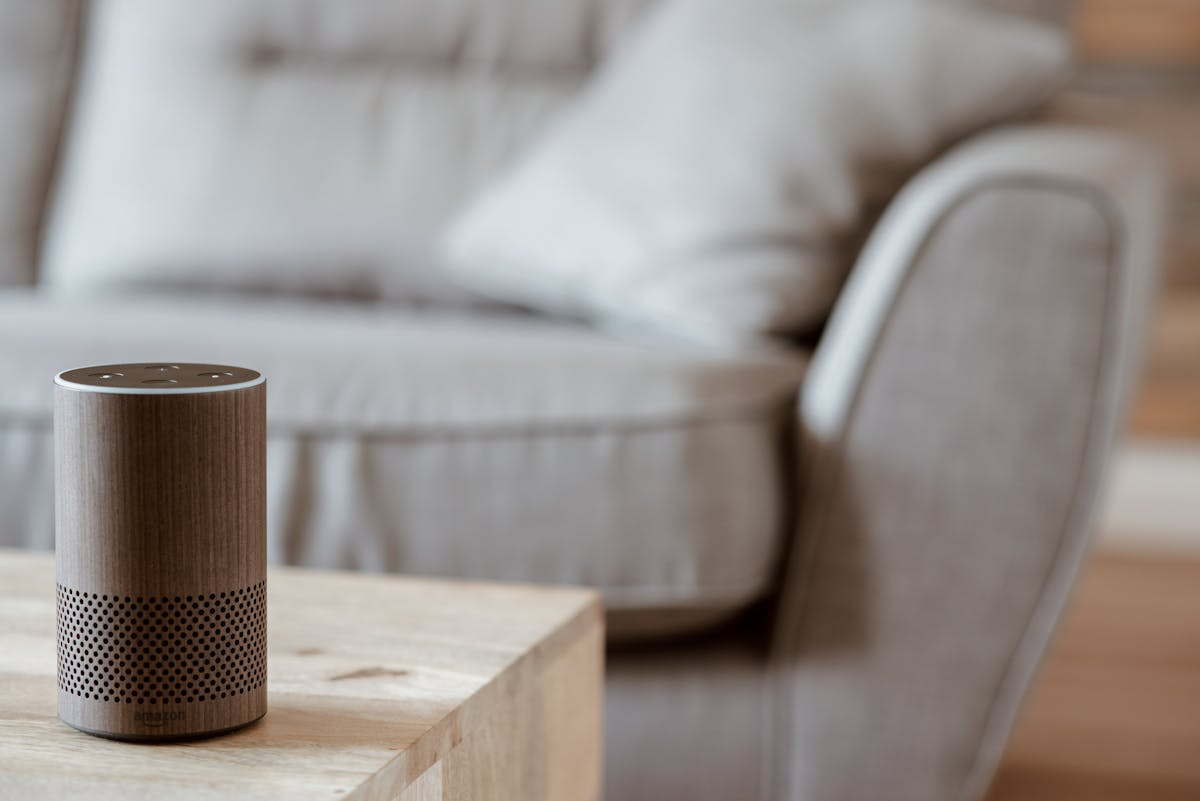
Eight out of ten UK households now own at least one smart home device, according to NielsenIQ's November 2024 Smart Home Survey — up from four in ten just five years ago. Yet the most common sentiment among first-time buyers is not satisfaction. It is regret: a smart plug that only works with one voice assistant, a thermostat that requires a hub they don't own, a lighting kit that turns out to be incompatible with everything else in the house. The technology is genuinely useful, but the path in is littered with expensive wrong turns that the marketing never mentions.
— NielsenIQ 2024
— Connectivity Standards Alliance
— Samsung UK research
This guide is not a product roundup. It is a decision framework — the questions to ask before spending a penny, the ecosystem trap to avoid, the UK-specific details no one else covers (Z-Wave frequencies, bayonet bulb fittings, the new PSTI security law), and a practical starter plan you can follow without needing a technical background.
Three Questions to Answer Before You Buy Anything
Most smart home mistakes are made before a device is even unboxed. They happen at the point of purchase, usually because a buyer picked up something cheap without thinking through how it fits with everything else they own or plan to own. These three questions prevent that.
1. Which voice assistant do you already use — or want to use?
Your voice assistant is effectively the hub of your smart home, even if you never use voice commands. The ecosystem you choose (Amazon Alexa, Google Home, Apple HomeKit, or Samsung SmartThings) determines which devices work natively, which require workarounds, and how your automations are triggered. There is no universal answer — it depends on the phones and tablets you already own. Apple HomeKit offers the tightest integration if you are in the Apple ecosystem. Amazon Alexa has the widest device compatibility at the lowest price points. Google Home works best if you use Google services and want a smart display hub. Samsung SmartThings suits those who own Samsung appliances. The good news: with the arrival of the Matter standard (see below), buying Matter-certified devices means you are no longer permanently locked into whichever ecosystem you choose today.
2. Does this device need a hub — and do you own one?
Some of the most popular smart home devices on UK shelves still require a proprietary hub to work. The Hive Active Plug (around £30) is useless without the Hive Hub. Older Philips Hue bulbs need the Hue Bridge. IKEA's TRÅDFRI range works via Bluetooth for basic on/off control but loses scheduling and automation without the DIRIGERA hub (£59.99). This is not a minor detail — it is a recurring hidden cost that catches beginners every time. Before buying any smart device, search its name alongside "requires hub" and read the small print on the product page. For first-time buyers, the simplest rule is: start with Wi-Fi or Bluetooth devices that work standalone, and add hub-based systems only when you have a specific reason to.
3. Are you buying for today or the next five years?
A smart plug that works only with Amazon Alexa today is a gamble that Amazon Alexa will exist and maintain backward compatibility for the lifetime of that plug. The 2022 collapse of Insteon — which abruptly shut down its servers and left thousands of users with inoperable devices overnight — was a stark reminder of what cloud dependency means in practice. If longevity matters, prioritise devices with local control (they work without an internet connection) and Matter certification (they run on an open standard no single company can shut down).
Building your entire home around one brand's ecosystem (all Hive, all Ring, all Sonos) is convenient until prices rise, devices are discontinued, or the company is acquired. Spend an extra £5–£10 per device on Matter-certified alternatives and you retain the freedom to switch platforms later without replacing everything.
Understanding Smart Home Protocols
Behind every smart device is a radio protocol — the language it uses to communicate with your phone, your hub, or other devices. You do not need to become an expert, but you do need to know enough to avoid buying kit that cannot talk to itself.
Wi-Fi
Most beginner-friendly smart devices — smart plugs, standalone bulbs, doorbell cameras — use your existing home Wi-Fi. No hub required; they connect directly to your router. The downside: every device adds to the load on your 2.4 GHz band. A home with twenty or more Wi-Fi smart devices can develop reliability problems. The fix is to ensure your laptops, phones, and gaming consoles use the 5 GHz or 6 GHz band, leaving 2.4 GHz clear for IoT devices.
Zigbee
Zigbee is a low-power mesh protocol used by Philips Hue, IKEA TRÅDFRI, and many other established smart home systems. Devices form a mesh — each device relays signals to its neighbours, extending range and improving reliability. Zigbee requires a hub (a Hue Bridge, IKEA DIRIGERA, or a universal hub like Hubitat or Home Assistant). For large installations of ten or more devices, Zigbee is often more reliable than Wi-Fi. Zigbee operates at 2.4 GHz globally, so there are no UK-specific frequency concerns — but see the Z-Wave note below.
Z-Wave
This is the most expensive mistake UK buyers make. Z-Wave is a mature, reliable protocol used in premium smart home kits. The critical detail: Z-Wave is frequency-locked by region. US Z-Wave devices operate at 908 MHz. UK and EU Z-Wave devices operate at 868 MHz. They are completely incompatible — a US Z-Wave device and a UK Z-Wave hub will not communicate, even if they share the same brand. Grey-market imports of Z-Wave devices from US Amazon sellers are a trap. Always verify "UK/EU 868 MHz" in the product specification before purchasing any Z-Wave device. Trusted UK retailers (Currys, B&Q, Screwfix) carry correct-frequency stock; Silicon Labs publishes the full Z-Wave frequency list by country.
Thread and Matter
Thread is a low-power mesh networking protocol — think of it as a more reliable, self-healing alternative to Zigbee for new devices. Thread devices talk to each other directly and route around failures without needing all traffic to pass through a single hub. Matter is the interoperability layer that runs on top of Thread (and also on Wi-Fi). A Matter-certified device can be added to any Matter-compatible controller — Amazon Echo, Apple HomePod, Google Nest, Samsung SmartThings — without vendor lock-in. As of 2025, the Connectivity Standards Alliance reports over 10,400 Matter-certified products from 794 member companies. Matter 1.5 (November 2025) added long-awaited security camera support, making it viable for whole-home automation for the first time. If you already own a Google Nest Hub (2nd gen), Apple HomePod Mini, or Amazon Echo (4th gen), you already have a Thread border router built in — no additional hardware needed.
Wi-Fi — no hub, easy setup, limited to ~20 devices comfortably. Zigbee — mesh, reliable, needs a hub, no UK frequency issues. Z-Wave — mesh, premium reliability, needs a hub, must be UK/EU 868 MHz — check before buying. Thread/Matter — the future: open standard, local control, works across all major ecosystems.
Choosing Your Ecosystem Without Getting Locked In
The ecosystem decision used to be close to irreversible — once you had thirty Alexa-only devices, switching to Google Home meant replacing everything. Matter has changed that calculus significantly, though not completely. Here is how the major ecosystems compare for UK buyers in 2026.
| Ecosystem | Best for | Device range | Local control | Matter support | Entry cost |
|---|---|---|---|---|---|
| Amazon Alexa | Android / general | Widest | ✓ (Echo 4th gen+) | ✓ | £35–£55 (Echo Dot) |
| Google Home | Google / Android users | Wide | ✓ (Nest Hub 2nd gen) | ✓ | £35–£100 (Nest Mini / Hub) |
| Apple HomeKit | iPhone / Mac users | Premium, curated | ✓ (Home Hub) | ✓ | £99 (HomePod Mini) |
| Samsung SmartThings | Samsung appliance owners | Wide, appliance-focused | ✓ (Hub v3) | ✓ | ~£70 (SmartThings Hub) |
| Home Assistant | Advanced / privacy-focused | Universal | ✓ (fully local) | ✓ | £80–£120 (Green / Yellow) |
For most UK beginners, the practical choice comes down to two options: Amazon Echo (4th gen, ~£70–£90) if you want the widest device selection at the lowest prices, or Google Nest Hub (2nd gen, ~£90–£100) if you prefer a screen-based controller with a built-in Thread border router. Both support Matter, meaning any new Matter-certified device you buy works on both platforms simultaneously.
The UK Starter Kit: Five Devices Worth Buying First
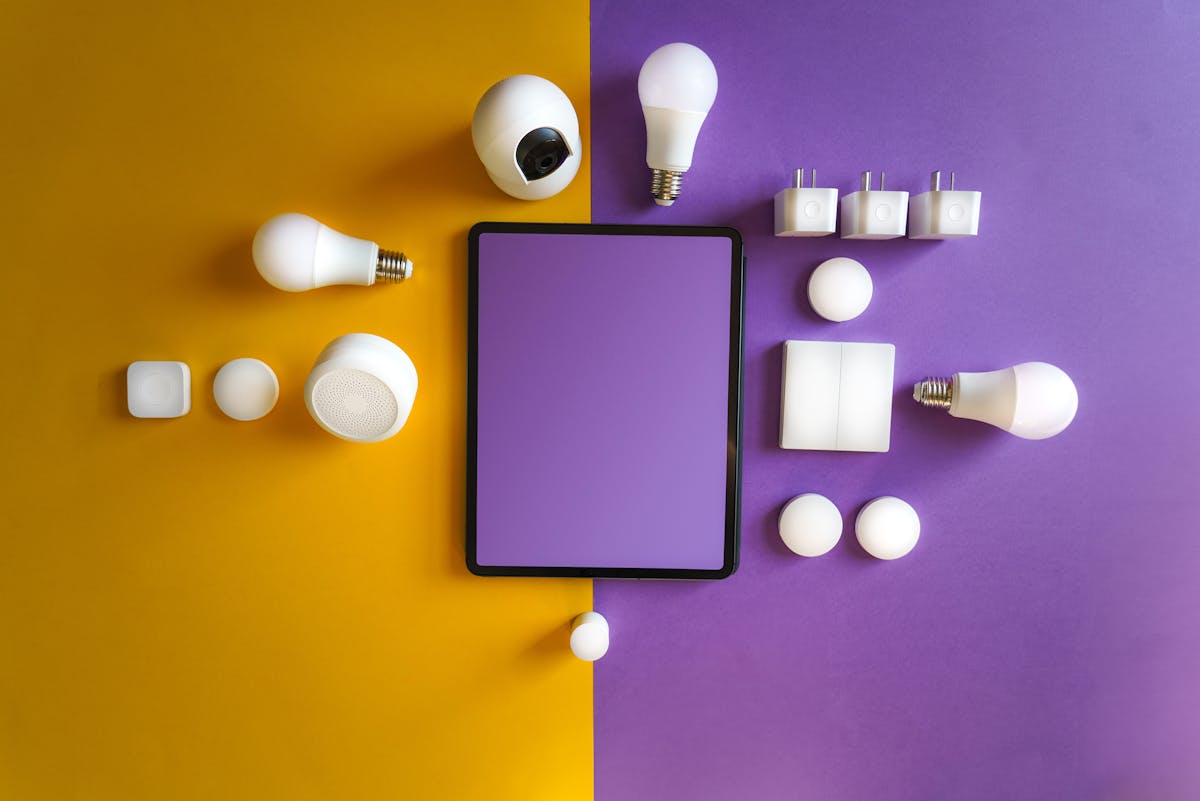
The goal at the start is to learn how smart devices behave in your home before committing to a large investment. These five categories give you meaningful utility, teach you how ecosystems interact, and provide a useful baseline for energy monitoring — all for under £150 total.
1. Smart plug with energy monitoring (~£13–£15)
The TP-Link Tapo P110 is the best entry point for UK beginners. It requires no hub, connects directly to your Wi-Fi, works with both Alexa and Google Home, and includes real-time energy monitoring. That last feature is more useful than it sounds — plugging your kettle, TV, or gaming console into an energy-monitoring plug for a week reveals exactly what is consuming power and how much it is costing. The Tapo P110 is widely available in the UK at under £15 per plug or around £25 for a two-pack.
2. Smart bulbs — two rooms (~£12–£15 each)
Before buying, check your fittings. The dominant UK ceiling light fitting is the bayonet cap (B22) — the push-and-twist type. Lamps typically use E27 (Edison screw). Smart bulbs are available in both, but the packaging is not always clear. The TP-Link Tapo L530E covers colour and warm white, requires no hub, costs around £12–£15, and works with Alexa and Google Home. For those planning to expand to fifteen or more bulbs, the IKEA TRÅDFRI system (Zigbee, requires the DIRIGERA hub) offers better long-term value per bulb at £5–£15 each.
3. Smart thermostat (~£80–£180)
A smart thermostat typically delivers the largest measurable saving of any smart home device. The honest figure — drawn from Which?'s investigation into manufacturer claims — is 10–20% off your heating bill, not the 22% headline figure from Tado or the £192/year figure from Hive (which assumes gas use 37% above the Ofgem average). For most UK homes, this means a realistic saving of £80–£200 per year, depending on how poorly your heating is currently managed. The Google Nest Thermostat (~£80–£100) is the easiest to set up and self-learns your schedule. The Tado° V3+ (~£149–£180) adds geofencing — the heating starts dropping when your phone leaves home — and supports OpenTherm for condensing boilers. Both work with UK combi and system boilers; verify your boiler type before purchase.
4. Smart speaker / controller (~£35–£100)
Your ecosystem controller doubles as a voice assistant. The Amazon Echo Dot (5th gen, ~£35–£55) is the cheapest functional entry point. For a Thread border router built in — which future-proofs your setup for Matter devices — step up to the Google Nest Hub (2nd gen, ~£90–£100) or Amazon Echo (4th gen, ~£70–£90). If you own iPhones, the Apple HomePod Mini (£99) includes a Thread border router and integrates tightly with iOS.
5. Smart doorbell camera (~£50–£150)
A video doorbell is the single device most likely to change daily behaviour immediately — you will use it every time someone comes to the door. The key UK considerations: does it work on a standard UK doorbell transformer (most battery-powered models do), and does it store footage locally or require a cloud subscription? Matter-compatible smart cameras became available from November 2025 (Matter 1.5), so check certification status before buying if long-term platform flexibility matters to you. The ICO publishes clear guidance on UK GDPR obligations for camera devices — any camera covering a public street rather than purely your own property carries legal responsibilities around data retention and subject access.
The Mistakes That Cost UK Buyers the Most Money
These are not hypothetical cautions. They are the specific errors that appear repeatedly when smart home beginners compare notes — each one traceable to a real, preventable loss of money or functionality.
Buying a hub-dependent device without owning the hub
Hive Active Plug (£30): requires Hive Hub. Older Philips Hue bulbs: require Hue Bridge. IKEA TRÅDFRI automation: requires DIRIGERA hub. None of these are obvious from the front of the packaging. Check "requires hub" or "no hub required" on the product detail page before any purchase. For first purchases, default to Wi-Fi-only or Bluetooth devices that are explicitly labelled "no hub required."
Importing US Z-Wave devices
US Z-Wave devices operate at 908 MHz. UK and EU Z-Wave operates at 868 MHz. They cannot communicate — not with a firmware update, not with any adapter. This is a hardware incompatibility. A US-frequency Z-Wave smart lock and a UK Z-Wave hub will not pair. The grey-market import trap is particularly common on eBay and certain Amazon Marketplace sellers. The only safe rule: buy Z-Wave devices only from UK/EU-registered retailers and verify "868 MHz" in the technical specification.
Overloading the 2.4 GHz band
Zigbee, most Wi-Fi smart devices, and some Thread devices all share the 2.4 GHz spectrum. Add twenty or more devices and interference becomes a real problem — lights lag, automations miss triggers, and the network grows unreliable in ways that are hard to diagnose. The fix requires two steps: move all computers, phones, and consoles to the 5 GHz or 6 GHz Wi-Fi band; and if you use Zigbee, configure it to channel 15, 20, or 25, which have the least overlap with common Wi-Fi Alliance channel allocations.
Building overly complex automations too soon
A multi-device routine — "when I arrive home, dim lights to 40%, set thermostat to 19°C, unlock front door, turn off kitchen plug" — is one dropped device away from behaving unpredictably. Smart home automation works best when it is built incrementally: start with a single device on a simple schedule, run it for a week, confirm it behaves as expected, then add one layer of complexity at a time. The best smart home is the one that runs invisibly in the background. The most frustrating one is the one you are constantly debugging.
Ignoring security defaults
The UK Product Security and Telecommunications Infrastructure (PSTI) Act, which came into force on 29 April 2024, bans default passwords on all consumer connectable products sold in the UK — smart bulbs, plugs, kettles, thermostats, cameras, and speakers are all covered. As the National Cyber Security Centre explains, this means any device purchased from a UK-registered retailer after that date must have a unique default password or force a change on first use. Grey imports and older devices bought before April 2024 are not covered. Regardless of the law, change passwords on all devices at first setup, enable two-factor authentication on your smart home app accounts, and put IoT devices on a guest network segment if your router supports it.
Energy Savings: The Honest Numbers
Smart home energy savings are real — but the headline claims from manufacturers deserve scrutiny. Which? found that Hive's £192/year saving figure assumes gas usage 37% higher than the Ofgem average, and Google Nest assumes heating running for seventeen or more hours a day. Tado's 22% saving figure is possible, but only for homes with previously unmanaged heating schedules.
A more defensible range for UK homes is 10–20% off heating costs — which, against an average annual energy bill of around £1,758 (based on the 2024/25 Ofgem price cap), and heating representing roughly 55% of that bill, translates to approximately £96–£193 per year. Homes with previously unscheduled heating can expect to be at the top of that range. Homes already using a programmable thermostat will see more modest gains.
Smart plugs with energy monitoring do not save energy directly — they show you where to make changes. Smart lighting (LED bulbs already use 90% less than incandescent) saves more on the billing side by eliminating lights left on. The clearest measurable ROI remains the smart thermostat, typically paying for itself within one to two heating seasons.
Run a TP-Link Tapo P110 on your TV, gaming console, or electric shower for one week before buying anything else. The usage data alone often pays for the plug — and tells you exactly which devices to target with automation.
UK Law and Privacy: What Changed in April 2024
The PSTI Act is the most significant consumer protection development for smart home buyers in the UK in a decade. From 29 April 2024, it is a criminal offence for manufacturers to supply consumer connectable products in the UK with default passwords. Products must also declare a minimum security support period, and manufacturers must provide a contact point for reporting vulnerabilities. Non-compliance carries fines of up to £10 million or 4% of global revenue.
For buyers, this means: products purchased from UK retailers after April 2024 carry legal minimum security guarantees that products bought from grey-market international sources do not. The practical implication when shopping: if a device arrived with a generic default password of "admin" or "1234" and no prompt to change it, it was either manufactured before the law or imported outside the UK regulatory framework. Return it.
On privacy, the ICO's consumer IoT guidance under UK GDPR establishes that smart speakers, cameras, thermostats, and similar devices collecting voice, video, or behaviour data are processing personal data. Before buying any device that records audio or video, check: what data is sent to the cloud, whether it is shared with third parties, and whether the device functions locally without an internet connection. Matter/Thread devices are generally designed for local-first operation — a meaningful privacy advantage over cloud-only alternatives.
Your 30-Day Smart Home Build Plan
The most successful smart home installations follow a staged approach. Each stage is functional and stable before the next begins.
- Week 1 — Foundation: Buy one smart plug with energy monitoring (TP-Link Tapo P110). Plug in something you use daily. Monitor usage for seven days. Learn the app. Configure a simple schedule.
- Week 2 — Voice control: Add your ecosystem controller (Amazon Echo, Google Nest Hub, or Apple HomePod Mini). Link the plug. Test voice commands. Create one routine — "turn off kitchen plug at midnight."
- Week 3 — Lighting: Replace bulbs in one room. Test the bulbs with the voice assistant. Confirm the wall switch situation (smart bulbs need constant power — if someone turns off the wall switch, the bulb loses power and cannot respond to app or voice commands).
- Week 4 — Heating: Install the smart thermostat. Set a schedule based on your actual routine, not the manufacturer's default. Check the Ofgem average for context. Run for one full billing period before adjusting.
- Month 2 onwards — Expand deliberately: Add one device type at a time. Review energy data monthly. Automate only what genuinely improves daily life.
Frequently Asked Questions
No. Most modern Wi-Fi and Bluetooth smart devices work without a dedicated hub — they connect directly to your router or via a smartphone app. A hub becomes useful when you want to automate devices across different protocols (Zigbee, Z-Wave, Thread) or run automations locally without relying on cloud servers.
Matter is an open interoperability standard that lets devices from different brands work together without vendor lock-in. As of 2025, over 10,400 products are Matter-certified. For new purchases, choosing Matter-certified devices future-proofs your setup — they work with Amazon Alexa, Google Home, Apple HomeKit, and Samsung SmartThings simultaneously.
If you own iPhones and Macs, Apple HomeKit offers the tightest integration. For Android users or those who want the widest device selection at lower prices, Amazon Alexa or Google Home are the most practical choices. With Matter-certified devices you are not permanently locked into one — you can use the same device across multiple ecosystems simultaneously.
Manufacturers claim £150–£300 per year, but Which? found these figures assume higher-than-average gas use. A realistic expectation for most UK homes is 10–20% off your heating bill — roughly £96–£193 per year depending on how poorly your current heating is managed. Homes with no scheduling at all save the most.
Yes, provided you buy from reputable UK retailers. The UK PSTI Act, which came into force in April 2024, bans default passwords on all consumer connectable devices sold in the UK. Any smart device purchased from a UK-registered retailer after that date must meet minimum cybersecurity standards enforced by the Office for Product Safety and Standards.
Wi-Fi and Thread devices generally work globally, but Z-Wave devices are frequency-locked by region — US Z-Wave operates at 908 MHz while UK and EU devices use 868 MHz, making them completely incompatible. Also check UK plug type (Type G / BS 1363) and light bulb fitting — B22 bayonet is dominant in UK ceilings, not the E27 Edison screw common in US-market products.
Batra.ai designs and installs smart home networks across Greater London and the M25 corridor. From Wi-Fi planning to Zigbee hub configuration and thermostat installation, we handle the technical setup so you start with a system that works. Get a free quote →